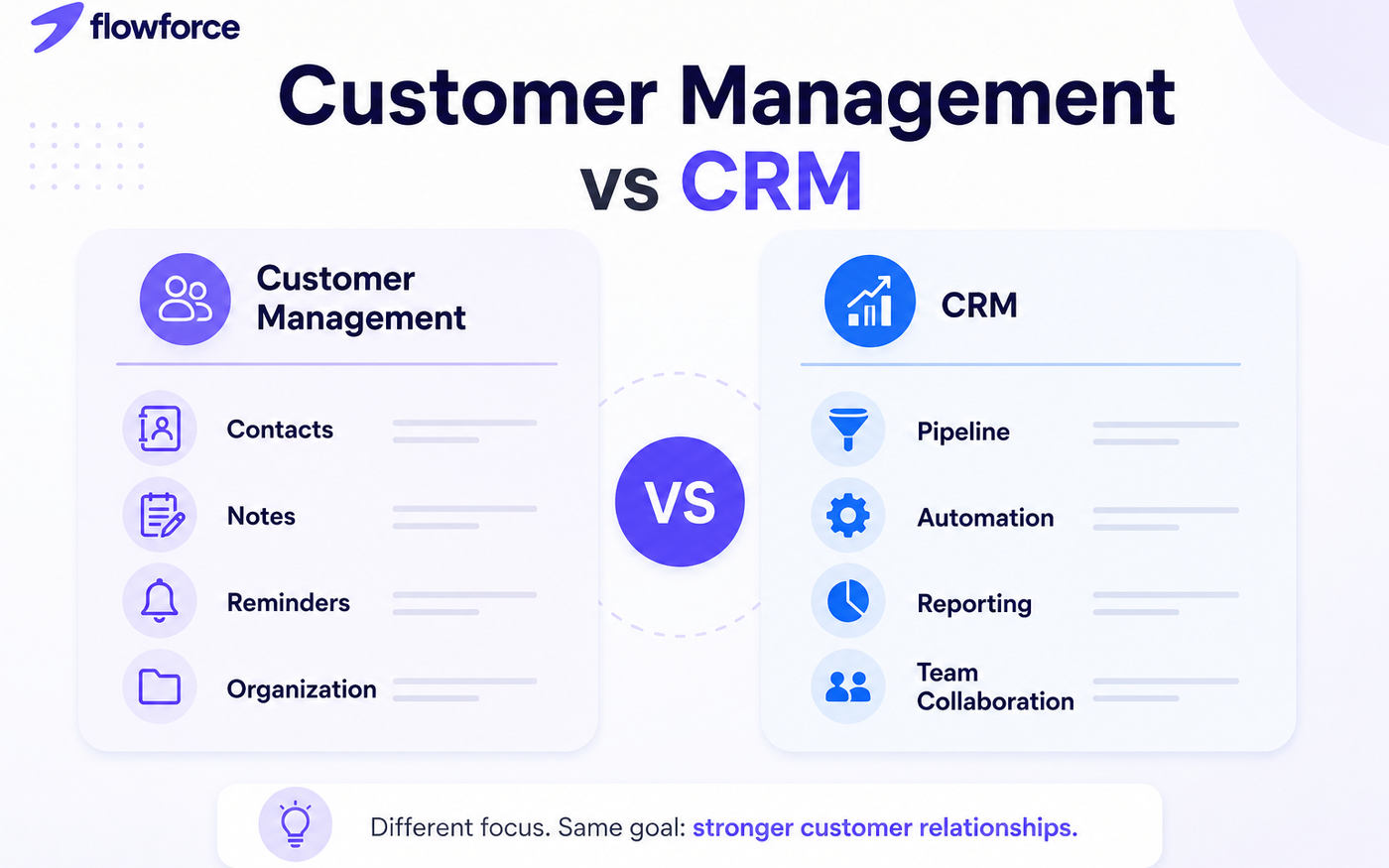
Most business owners use the terms customer management software and CRM interchangeably. While they share similarities, they are not always the same thing.
Choosing the wrong solution can leave your team juggling spreadsheets, losing track of customer conversations, and paying for features that never get used.
In this guide, we'll break down the key differences between customer management software and CRM platforms, explain where each excels, and help you determine which option is right for your business.
What Is Customer Management Software?
A customer management system focuses primarily on helping businesses keep track of customer information and communications in one place.
Typical features include:
- Contact management
- Customer notes
- Communication history
- Basic task reminders
- Customer segmentation
For many small businesses, this may be enough during the early stages of growth.
What Is a CRM?
CRM stands for Customer Relationship Management. Unlike basic customer management software, a CRM helps businesses manage the entire customer lifecycle.
Common CRM capabilities include:
- Lead management
- Sales pipelines
- Email integration
- Workflow automation
- Team collaboration
- Reporting and analytics
- Customer communication tracking
A CRM is designed not only to organize customers but also to help businesses generate more revenue through structured sales processes.
Customer Management Software vs CRM: Key Differences
Here is how the two compare across the capabilities that matter most as you scale:
| Feature | Customer Management Software | CRM |
|---|---|---|
| Contact Storage | Yes | Yes |
| Customer History | Yes | Yes |
| Lead Tracking | Limited | Yes |
| Sales Pipeline | No | Yes |
| Automation | Limited | Yes |
| Reporting | Basic | Advanced |
| Team Collaboration | Limited | Yes |
| Revenue Forecasting | No | Yes |
When Customer Management Software Is Enough
Customer management software is ideal for:
- Freelancers
- Consultants
- Local service businesses
- Small teams with few leads
- Businesses with simple sales processes
Signs you only need customer management software:
- Less than 100 active customers
- No dedicated sales team
- Limited need for automation
- Few daily customer interactions
When You Need a CRM
Businesses should consider a CRM when:
- Leads are slipping through the cracks
- Multiple team members handle customers
- Follow-ups are inconsistent
- Reporting is difficult
- Revenue forecasting is important
- Sales activities are growing
Warning signs include:
- Using spreadsheets to track leads
- Missing follow-up opportunities
- No visibility into sales performance
- Duplicate customer information
Why Many Businesses Outgrow Customer Management Software
As businesses grow, customer information becomes only one part of the equation.
Teams need:
- Lead tracking
- Sales visibility
- Automated reminders
- Communication history
- Pipeline reporting
- Activity monitoring
This is often where a CRM becomes essential. A CRM turns customer data into actionable sales opportunities rather than simply storing information.
How FlowForce Bridges the Gap
Many CRM platforms are either too complex, too expensive, or built for enterprise teams.
FlowForce was designed to give growing businesses the customer management capabilities they need while adding powerful CRM functionality without unnecessary complexity.
With FlowForce, businesses can:
- Organize contacts
- Manage leads
- Track opportunities
- Monitor customer interactions
- Automate follow-ups
- Gain visibility into their sales pipeline
All from a single workspace.
Ready to Move Beyond Spreadsheets?
If you're spending more time managing customer information than growing customer relationships, it may be time for a CRM built for modern teams.
Explore FlowForce and see how simple customer management and CRM can work together.
FAQ
Is customer management software the same as CRM?
Not always. Customer management software focuses on organizing customer information, while a CRM helps manage customer relationships, sales activities, and business growth.
Do small businesses need a CRM?
Many small businesses can benefit from a CRM once they begin managing multiple leads, sales opportunities, or team members.
Can customer management software replace a CRM?
For simple operations, yes. However, businesses often outgrow basic customer management tools as sales processes become more complex.
What is the biggest advantage of a CRM?
A CRM helps businesses track leads, automate follow-ups, improve customer relationships, and increase sales efficiency.