Every sales call ends with an outcome. The question is whether your CRM captures it.
Too many teams log a call as completed and move on. Context gets lost, follow-ups slip, and managers cannot see what actually happened on the line.
Structured call outcomes turn your CRM from a contact database into a system that guides the next best action.
In this guide, you will learn how call outcomes improve consistency, reduce missed opportunities, and help your team book more meetings while minimizing no-shows.
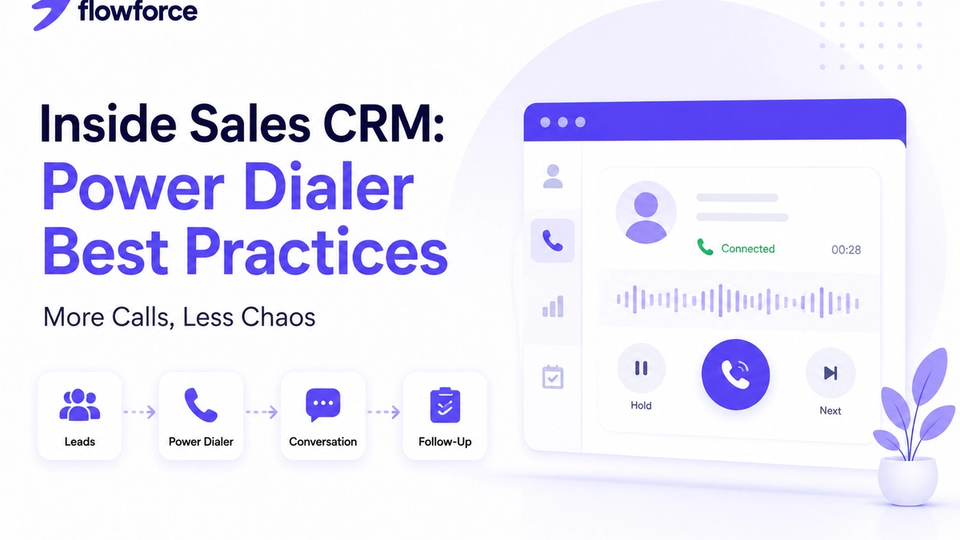
Pair this with power dialer best practices for inside sales when you are scaling outbound volume.
What Are Call Outcomes?
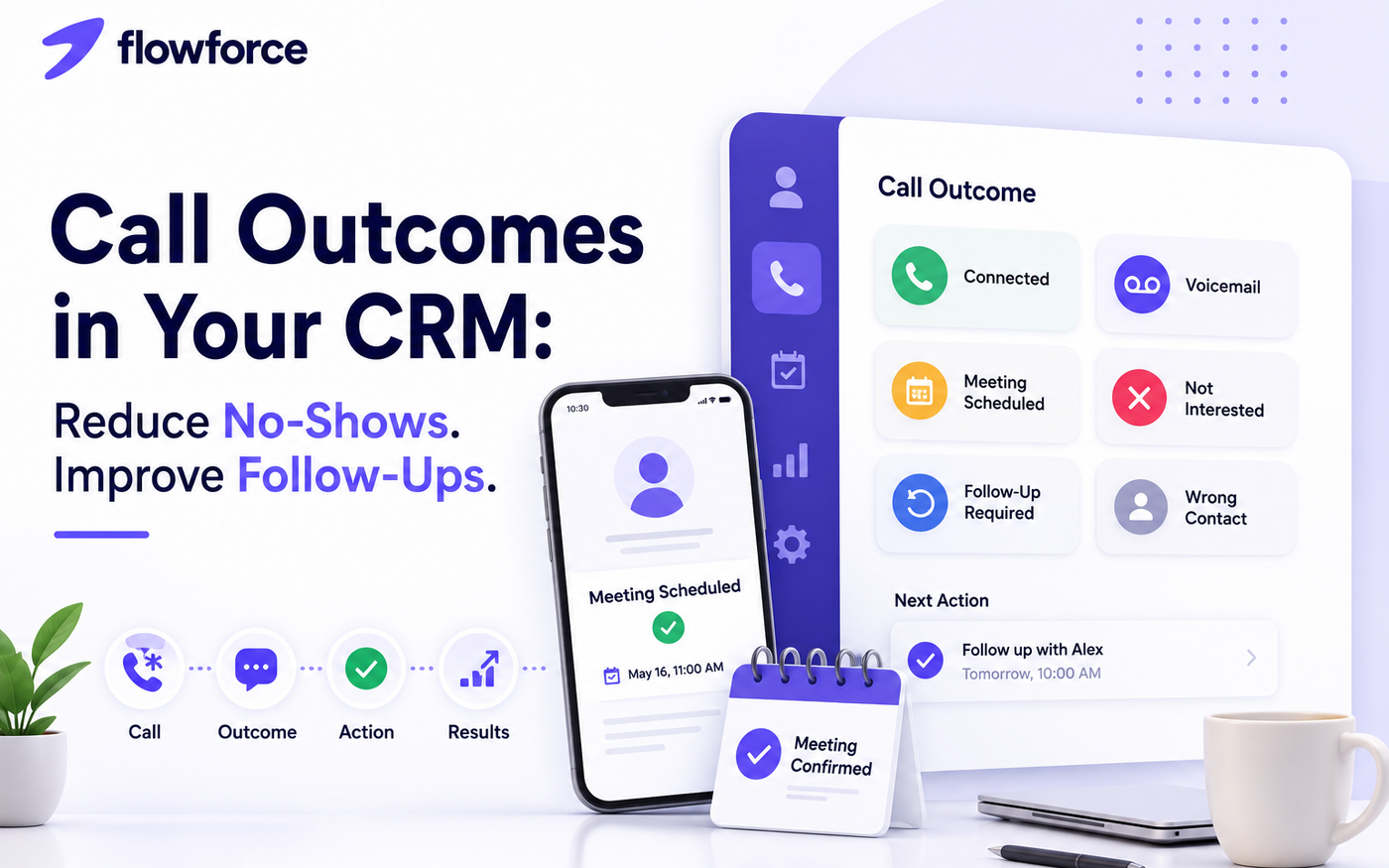
Call outcomes are standardized labels assigned after every sales call. Instead of vague notes, each conversation gets a clear disposition your whole team understands.
Common CRM call outcomes include:
- Connected
- No answer
- Voicemail
- Busy
- Call back requested
- Meeting scheduled
- Qualified
- Not interested
- Wrong contact
- Closed won
- Closed lost
These labels create consistency across reps and make reporting far more meaningful than a simple call count.
Why Generic Call Logs Don't Help
Many CRMs record that a call happened — who dialed and when. That is activity tracking, not sales intelligence.
Generic logs rarely answer:
- Whether the prospect actually answered
- If a meeting was booked
- Why the opportunity stalled
- What should happen next
A call disposition CRM should answer those questions automatically, on the timeline, without a second data-entry step.
7 Ways Call Outcomes Improve Sales Performance
1. Reduce no-shows
When a meeting is scheduled, the CRM should trigger confirmation and reminders — not rely on a rep to remember.
- Confirmation email from the rep or template
- Calendar invite attached to the lead record
- Reminder task before the meeting
- Follow-up sequence if the prospect goes quiet
Less manual work means fewer forgotten meetings and fewer empty slots on the calendar.
2. Standardize every sales conversation
Free-text notes vary by rep. Standard outcomes make coaching and handoffs predictable — everyone speaks the same language about what happened.
3. Trigger the right follow-up automatically
Each outcome should map to a predefined next step. Example workflow:
| Call outcome | Next action |
|---|---|
| No answer | Retry tomorrow |
| Voicemail | Send follow-up email |
| Meeting booked | Send calendar invite |
| Qualified | Move to proposal stage |
| Not interested | Schedule long-term nurture |
4. Improve pipeline accuracy
Managers can quickly spot:
- Stalled deals with repeated no-answers
- Opportunities stuck before qualification
- Reps with high activity but low conversion
- Bottlenecks by stage — without guessing from pipeline color alone
5. Coach sales reps more effectively
Outcome trends reveal objective coaching signals:
- Connection rate by rep and list
- Qualification quality after live conversations
- Follow-up completion after voicemails
- Meeting conversion from qualified outcomes
6. Build better reports
Move beyond call volume. Track:
- Calls answered vs attempts
- Voicemail rate
- Meetings booked per 100 dials
- No-show percentage
- Follow-up completion rate
- Conversion by outcome type
7. Never lose context
Six months later, anyone on the team should open the contact record and instantly see what happened, why it happened, and what was supposed to happen next.
Recommended Call Outcomes for Small Sales Teams
Keep the list short. Most small businesses perform well with 8–12 outcomes, such as:
- Connected
- Voicemail
- No answer
- Meeting scheduled
- Qualified
- Proposal sent
- Follow-up required
- Not interested
- Closed won
- Closed lost
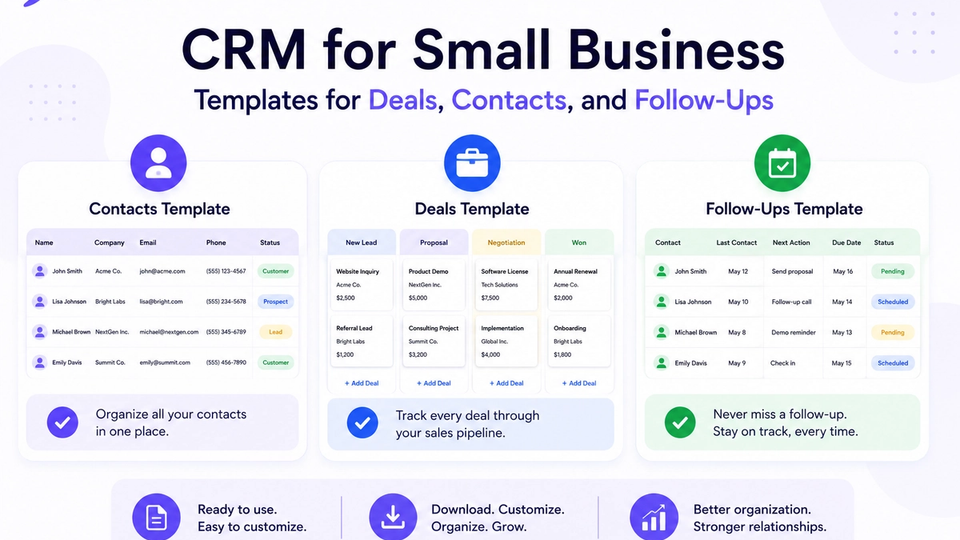
Use CRM templates for deals, contacts, and follow-ups to align stages and outcomes before you roll out to the full team.
Common Mistakes to Avoid
- Too many outcome categories — reps pick the fastest label, not the accurate one
- Inconsistent naming across teams or regions
- Logging the outcome but skipping the follow-up task
- Relying only on notes with no structured disposition
- No reporting on outcomes — so the data never changes behavior
Start small, document definitions, and review adherence in weekly pipeline meetings.
How Flowforce Helps Teams Stay Consistent
Flowforce is built so call outcomes live on the same timeline as email, SMS, cadences, and deals — not in a separate dialer log.
Teams use it to:
- Record structured call outcomes from browser-based calling
- Log activities automatically on the lead record
- Assign follow-up tasks when an outcome requires action
- Track pipeline progress with manager-friendly activity views
- View complete interaction history before the next conversation
- Measure sales performance by outcome, not just dial count
The goal is workflow consistency: every call should trigger progress, not another admin task.
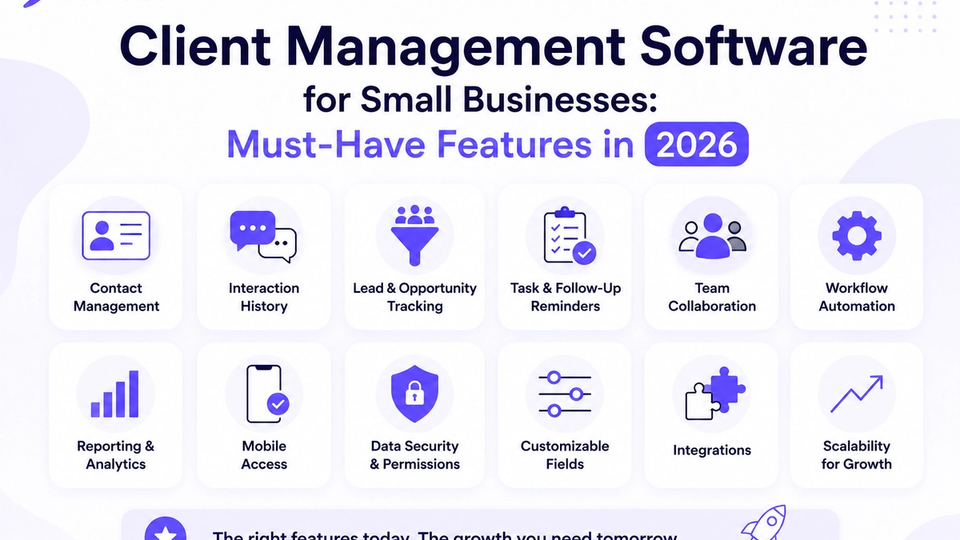
Evaluating platforms? See our best CRM for inside sales teams guide and the small business CRM checklist before you commit.
Frequently Asked Questions
What are CRM call outcomes?
CRM call outcomes are standardized labels used to record the result of every sales call and determine the appropriate next step in your follow-up process.
Why are call outcomes important?
They improve reporting, create consistent sales processes, and ensure every conversation leads to a defined action instead of ending as an unstructured note.
How many call outcomes should I use?
Most small businesses perform well with 8–12 clearly defined outcomes. Add more only when managers need finer reporting slices.
Can call outcomes reduce no-shows?
Yes. When meeting-scheduled outcomes trigger confirmation emails, calendar invites, and reminder tasks, prospects stay engaged and reps miss fewer booked meetings.
Every Call Should Lead to a Next Step
A sales call should not end with a note floating in someone's memory. It should trigger progress — a task, a cadence step, or a stage change your whole team can see.
Discover how Flowforce helps your team track call outcomes, automate follow-ups, and keep every opportunity moving forward.