Inside sales teams live and die by consistency. Every extra click, manual dial, or missed follow-up slows your team down and reduces the number of conversations they can have each day.
A modern inside sales CRM combined with a power dialer removes unnecessary friction. Instead of switching between spreadsheets, phone systems, and notes, reps can focus on what matters most — having meaningful conversations with prospects.
In this guide, we cover the best practices that help inside sales teams make more calls, stay organized, and close more deals without creating chaos.
If you are still evaluating tools, start with our best CRM for inside sales teams roundup, then use this playbook to run the dialer once you are live.
What Is an Inside Sales CRM?
An inside sales CRM is a customer relationship management system built for phone-heavy, outbound, and hybrid sales teams. Reps work leads from a desk — not in the field — so the CRM needs to support high-volume outreach, fast follow-up, and manager visibility into daily activity.
A general CRM stores contacts, companies, and deals. That is useful, but it is not enough when your team lives on the phone. Inside sales teams need workflows tuned for sequences, call outcomes, inbox sync, and pipeline movement tied to real conversations.
Sales-focused workflows matter because they reduce the gap between intent and action. When cadences, dialer, email, and tasks live on the same lead record, reps execute faster and managers coach from facts — not self-reported updates.
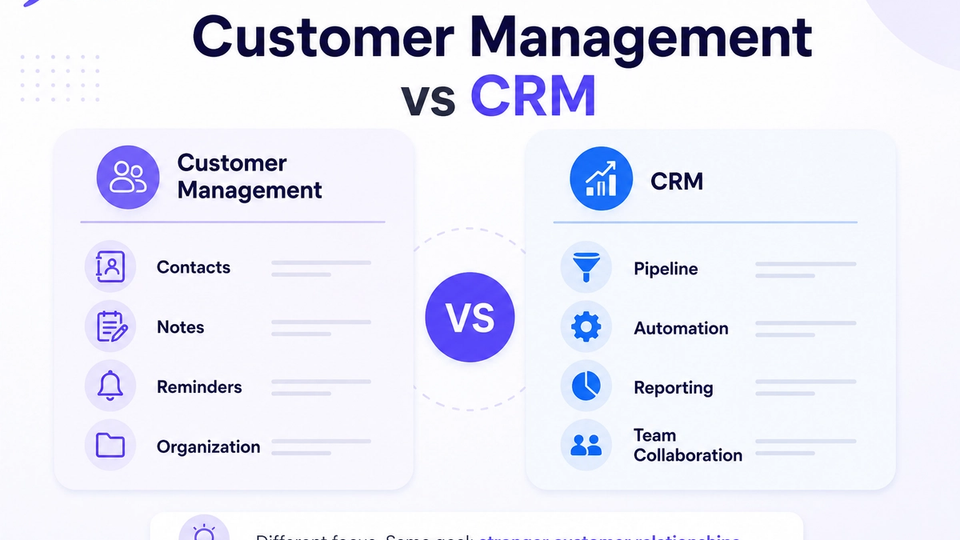
Not sure how a CRM differs from lighter contact tools? Read customer management software vs CRM for a practical comparison.
What Is a Power Dialer?
A power dialer automatically advances reps through a call queue so they spend less idle time between conversations. Instead of manually looking up the next number, copying it into a phone app, and returning to the CRM to log the outcome, the dialer connects the next lead when the previous call ends.
Core power dialer capabilities include:
- Automatic dialing through a prioritized lead list
- Call queues segmented by campaign, stage, or territory
- Click-to-call from the lead profile when a rep needs a one-off dial
- Automatic or one-click call logging on the timeline
- Reduced idle time between conversations
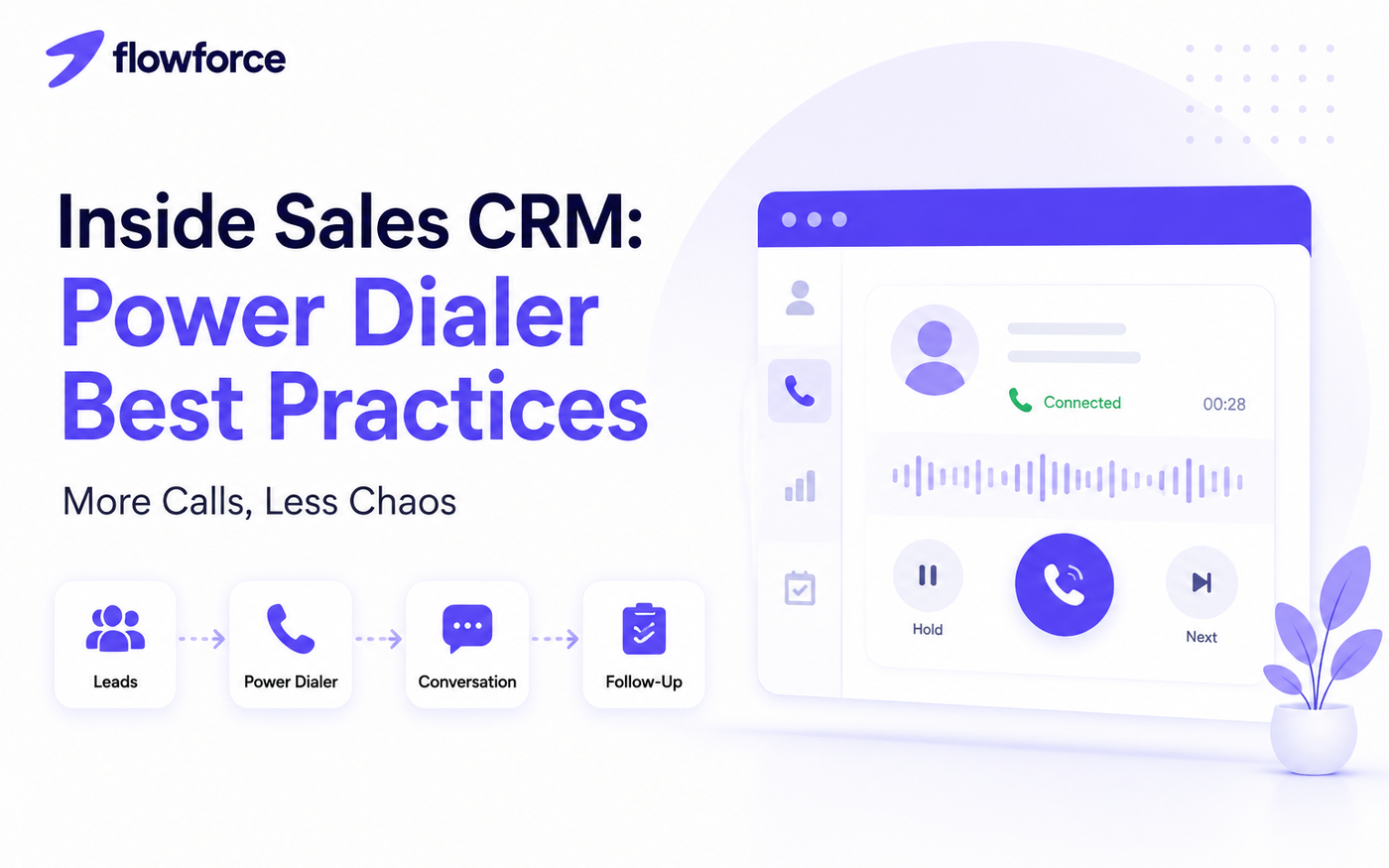
Here is how the workflow should feel inside a connected CRM:
Lead list
    ↓
Power dialer
    ↓
Conversation
    ↓
Notes + outcome
    ↓
Next follow-up task
For a deeper look at dialing inside the CRM, see sales dialer CRM: remove call friction.
Why Manual Dialing Slows Sales Teams Down
Manual dialing looks small on paper. In practice, it compounds across dozens of calls per rep per day.
- Switching tabs between CRM, phone, email, and calendar
- Copy-pasting numbers and misdialing on mobile keyboards
- Writing notes in a separate doc that never reaches the CRM
- Forgotten follow-ups because the next task was never created
- Lower daily call volume when reps delay outreach to avoid admin
The result is not just fewer calls. Teams lose context, pipeline visibility suffers, and managers cannot see which activities actually moved deals forward.
8 Power Dialer Best Practices
1. Prepare your lead list before calling
A power dialer amplifies whatever list you feed it. Clean segmentation before you start calling prevents wasted dials and keeps reps focused on the right conversations.
Segment by:
- Industry or vertical
- Lead source (inbound, paid, referral, list buy)
- Priority or score
- Pipeline stage or cadence step
Run a 15-minute list review with managers before high-volume calling blocks. Remove duplicates, stale numbers, and do-not-call records first.
2. Keep every call logged automatically
Manual logging fails at scale. Tie dialer activity to the lead timeline so every conversation is captured without a second data-entry step.
Benefits:
- Better reporting on connection rates and talk time
- Complete customer history for the next rep or manager
- Easier coaching from real call patterns, not memory
3. Create follow-up tasks immediately
Every call should end with a clear next step. Before the rep moves to the next number, capture:
- Next action (email, demo, callback, nurture)
- Due date
- Owner
Tasks created in the moment survive busy afternoons. Tasks meant for later rarely do.
4. Use call outcomes consistently
Standard dispositions make reporting useful. When every rep labels outcomes differently, dashboards lie gently.
Examples:
- Connected
- Voicemail
- No answer
- Follow-up needed
- Qualified
- Closed / not interested
Pick a short list, document definitions, and review adherence in weekly pipeline meetings.
5. Call at the right times
Answer rates vary by industry, geography, and buyer role. Instead of guessing, test calling windows for your ICP and measure connection rate by hour and day.
- Test different time windows for two weeks
- Measure your own answer rates — not generic benchmarks
- Optimize queues based on your data
What works for SaaS SDRs may fail for real estate ISAs. Let your CRM reporting guide the schedule.
6. Don't let reps switch between multiple apps
Productivity drops when reps juggle separate tools for CRM, phone, notes, calendar, and email. Each switch is a chance to lose focus or skip logging.
An inside sales CRM with a native power dialer keeps the call, context, and next step on one screen. That is how teams protect momentum across 80–120 dials per day.
See how Flowforce dialer fits into the broader CRM workspace.
7. Monitor daily activity metrics
Track inputs that predict pipeline outcomes:
- Calls made
- Live conversations
- Connection rate
- Follow-ups completed
- Meetings booked
Daily visibility helps managers intervene early — before a rep finishes the week with high activity and low results, or low activity and an empty pipeline.
8. Review performance weekly
Managers should review:
- Call volume trends by rep and team
- Pipeline movement stage by stage
- Follow-up completion rate
- Conversion trends from call to meeting to opportunity
Weekly reviews turn the dialer from a volume tool into a coaching system.
Common Mistakes Inside Sales Teams Make
- Calling unqualified leads because the list was never segmented
- Not logging calls — or logging them hours later from memory
- Skipping notes when moving fast through a queue
- No follow-up process after voicemails and no-answers
- Measuring activity instead of outcomes (dials without meetings booked)
Fixing these mistakes usually matters more than buying another point solution.
Features to Look for in an Inside Sales CRM
Use this checklist when comparing inside sales software:
- Power dialer or parallel dialer
- Click-to-call from lead records
- Automatic call logging
- Activity timeline (calls, email, SMS, meetings)
- Sales pipeline with customizable stages
- Workflow automation and cadences
- Task reminders tied to leads and deals
- Reporting dashboards for managers
- Mobile access for managers and field handoffs
- Team collaboration and shared visibility
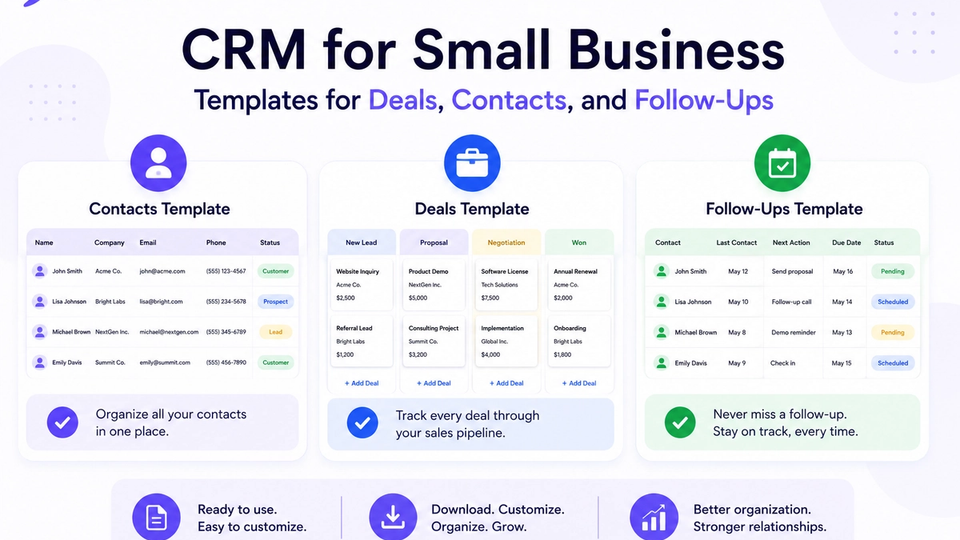
Small teams should also compare CRM templates for deals, contacts, and follow-ups before committing to a heavy rollout.
For a buying checklist, see how to choose an inside sales CRM (2026).
How Flowforce Helps Inside Sales Teams Stay Organized
Flowforce is built for outbound and inside sales teams that need CRM, power dialer, cadences, inbox sync, and AI on one timeline — without stacking Salesloft, a separate dialer, and a spreadsheet on top of HubSpot.
Teams use Flowforce to:
- Call faster with browser-based and power dialing from the lead record
- Stay organized with every interaction on one activity timeline
- Track calls, emails, SMS, and meetings without tab switching
- Manage follow-ups with tasks and cadence steps tied to each lead
- Monitor pipeline progress with manager-friendly activity views
- Improve team visibility so coaching uses real data
The goal is not more software. It is fewer interruptions between your reps and live conversations.
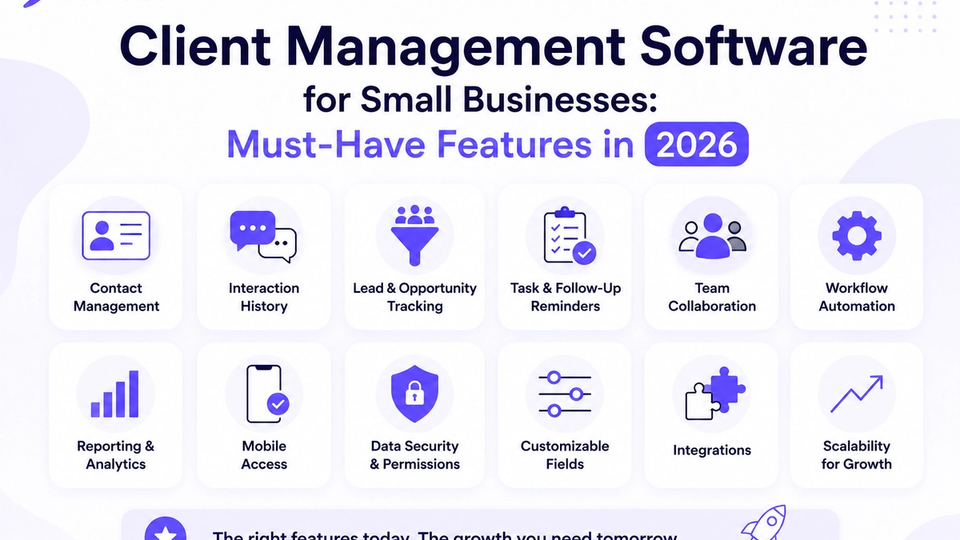
Explore client management software must-haves for small businesses if you are rolling out CRM for the first time.
Frequently Asked Questions
What is an inside sales CRM?
An inside sales CRM is a CRM designed for desk-based sales teams. It combines contact and deal management with outbound tools like dialer, cadences, inbox sync, and call logging so reps execute from one workspace.
What does a power dialer do?
A power dialer automatically dials the next lead in a queue when a rep finishes the previous call. It reduces idle time, standardizes logging, and increases daily conversation volume.
How many calls should an inside sales rep make?
It depends on role, offer complexity, and list quality. Many B2B SDR teams target 60–120 dials per day, but connection rate and meetings booked matter more than raw volume. Track both and adjust targets quarterly.
Is a power dialer better than click-to-call?
They solve different problems. Click-to-call is ideal for targeted follow-ups on warm leads. Power dialing is better for high-volume outbound blocks. Strong inside sales CRMs offer both.
Can small businesses benefit from a power dialer?
Yes — especially if a small team runs repeatable outbound to a defined list. A dialer pays off when calling volume is consistent and follow-up discipline affects revenue.
Spend More Time Talking to Prospects
The best inside sales teams do not just make more calls — they make every call count. That starts with a CRM and power dialer setup that removes friction, enforces follow-up, and gives managers clear visibility.
Discover how Flowforce helps your team organize leads, automate follow-ups, and stay focused on selling instead of administrative work.