The first few days of onboarding can determine how quickly a new sales representative becomes productive.
Without a structured process, new reps spend time hunting for information, inventing their own follow-up methods, and learning through trial and error.
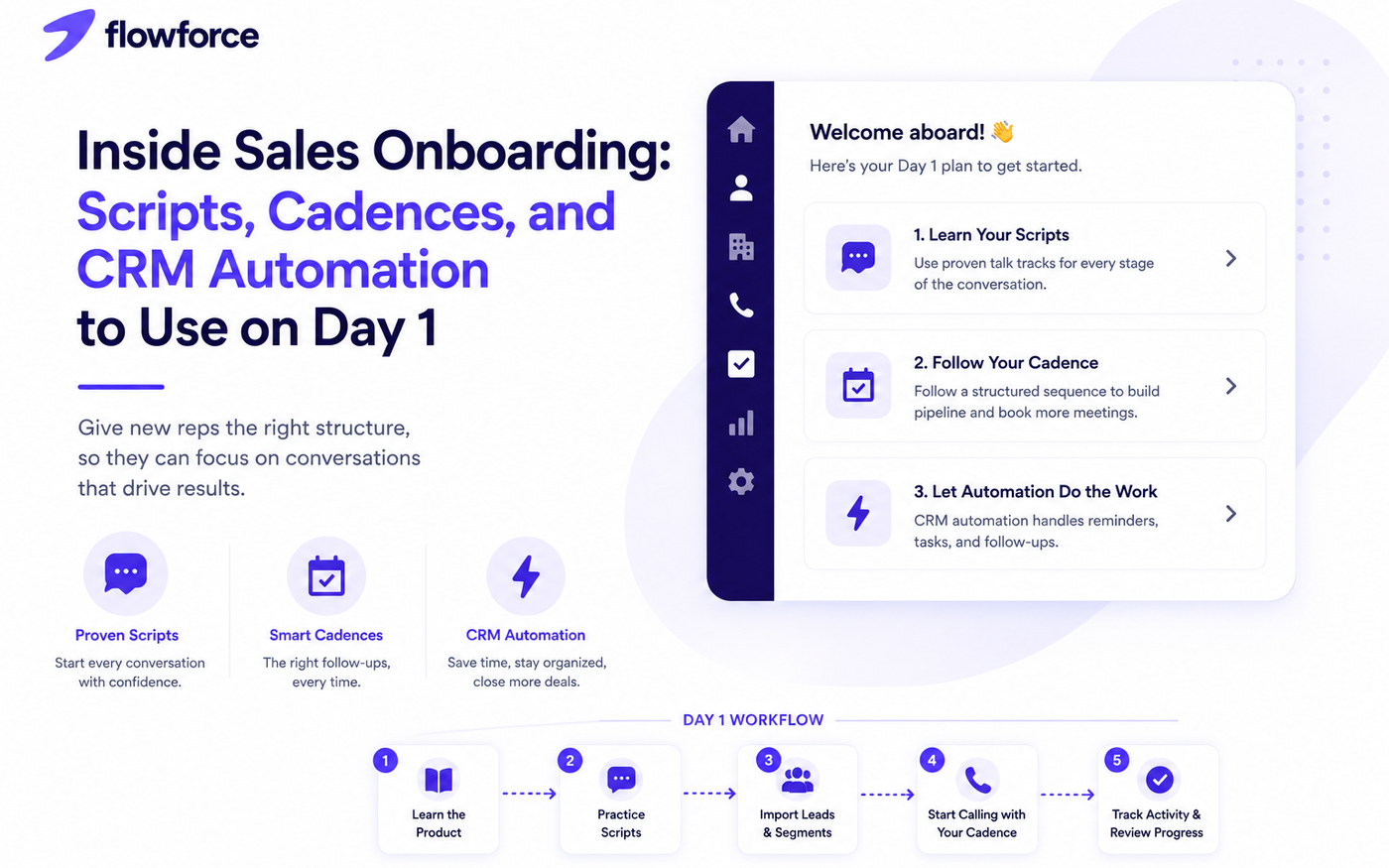
A modern inside sales onboarding process gives every rep the same proven playbook — conversation scripts, outreach cadences, and CRM automation that removes repetitive work.
In this guide, we walk through a practical Day 1 framework that helps inside sales teams build confidence, stay organized, and start booking meetings faster.
Why Day 1 Matters
The first day should answer three questions:
- Who are we selling to?
- How do we communicate with prospects?
- What happens after every conversation?
When those answers are documented in your CRM and playbook, onboarding becomes faster, more consistent, and easier to scale across hires.
Step 1: Introduce the CRM
Before making a single call, every new rep should understand the daily CRM workflow — not every advanced setting.
Focus on:
- Contact and lead records
- Lead stages and sales pipeline
- Activity timeline
- Tasks and reminders
- Notes and call outcomes
The goal is confidence with the system of record. Reps should know where to log work, find context, and see what happens next.
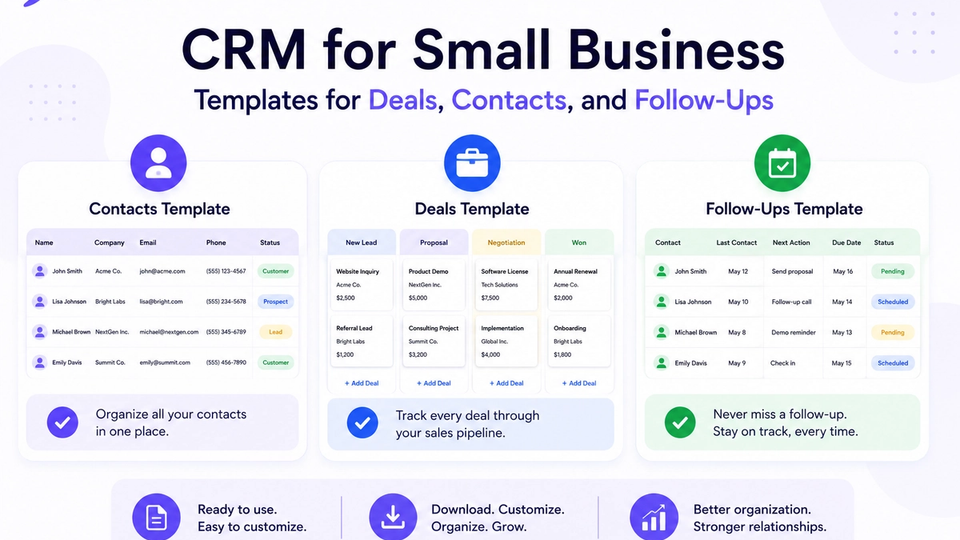
Use CRM templates for deals, contacts, and follow-ups to align pipeline stages before day one.
Step 2: Provide Proven Call Scripts
New reps should never wonder what to say on their first dial block. Scripts are guides, not word-for-word speeches — they should sound natural on the phone.
Cold call opening
Introduce yourself, explain why you are calling, and ask for permission to continue. Keep it under 30 seconds.
Follow-up call
Reference a previous email, voicemail, or meeting request. Give a clear reason for reaching out again.
Voicemail
Leave a short message with your name, company, one sentence of value, and a callback number.
Objection handling
Prepare responses for common objections such as:
- We are already using another solution.
- Now is not a good time.
- Send me some information.
Pair scripts with structured call outcomes so managers can coach from real conversations, not memory.
See call outcomes in your CRM for disposition setup and follow-up mapping.
Step 3: Build a Sales Cadence
A sales cadence gives every rep a repeatable follow-up sequence. No lead should depend on whether a rep remembered to follow up.
Example 7-day inside sales cadence:
| Day | Activity |
|---|---|
| 1 | Cold call + email |
| 2 | Follow-up email |
| 3 | Second call |
| 5 | LinkedIn message |
| 7 | Final follow-up |
Assign the cadence in the CRM on day one so new reps execute from templates instead of building sequences from scratch.
Step 4: Automate Repetitive Tasks
Your CRM should reduce manual work from the first week. Examples include:
- Automatically creating follow-up tasks after calls
- Sending meeting confirmations when an outcome is meeting scheduled
- Scheduling reminder tasks before booked meetings
- Assigning new inbound leads to the right rep
- Updating pipeline stages when outcomes change
- Logging calls and emails on the activity timeline
Automation helps new reps stay focused on conversations instead of administration — especially when volume ramps up.
When reps start dialing, review power dialer best practices so high-volume blocks stay organized.
Step 5: Teach Activity Logging
Every interaction should be recorded on day one — not as a policy memo, but as a live habit during practice calls.
Log:
- Calls and call outcomes
- Emails and replies
- Meetings booked and held
- Notes from live conversations
- Next actions with owners and due dates
Complete records make coaching objective and let teammates pick up a lead without starting over.
Step 6: Track the Right Metrics
Avoid measuring only call volume during onboarding. Monitor progress with:
- Calls completed
- Live conversations held
- Meetings booked
- Follow-up completion rate
- Qualified opportunities created
- Pipeline value added
- Win rate over time (after ramp)
These metrics show whether a new rep is learning the process — not just staying busy.
Common Onboarding Mistakes
- Overloading day one with product deep-dives before CRM basics
- No standardized scripts — every rep improvises on the phone
- Leaving follow-ups to memory instead of cadences
- Inconsistent CRM processes across managers
- Failing to automate task creation and reminders
A simple, documented process usually outperforms an overly complex one. Add depth in week two, not hour one.
Your Day 1 Onboarding Checklist
Use this sales onboarding checklist before every new hire begins selling:
- CRM account created and permissions set
- Pipeline stages and definitions reviewed
- Contact and lead management demonstrated
- Call scripts shared and practiced aloud
- Default sales cadence assigned
- CRM automation rules enabled
- Call outcomes configured and explained
- Activity logging demonstrated on a test record
- Practice calls completed with manager feedback
- First real outreach block scheduled
Choosing tools? Compare options in our best CRM for inside sales teams roundup.
How Flowforce Simplifies Inside Sales Onboarding
Flowforce helps managers standardize onboarding by giving every rep the same structured workflow from day one.
Teams use Flowforce to:
- Organize contacts, leads, and deals in one workspace
- Follow a consistent sales pipeline with visible stages
- Track every customer interaction on one timeline
- Automate follow-up tasks after calls and emails
- Log call outcomes tied to the next action
- Monitor onboarding progress through activity reporting
Instead of memory and disconnected tools, new reps have scripts, cadences, dialer, and CRM in one place before their first live prospect call.
Frequently Asked Questions
How long should inside sales onboarding take?
Most teams can cover CRM workflow, scripts, cadences, and call outcomes within the first week. Product depth and territory knowledge continue over the following weeks.
What should every new sales rep learn first?
Prioritize the CRM daily workflow, your sales process, call scripts, and follow-up cadence before advanced product training or custom reporting.
Why are sales cadences important?
Cadences ensure every lead receives consistent communication and reduce missed follow-ups when reps are still building habits.
Can CRM automation improve onboarding?
Yes. Automation removes repetitive administrative tasks — task creation, reminders, and logging — so new reps focus on conversations and relationship building.
Build a Repeatable Sales Onboarding Process
The fastest inside sales teams do not rely on guesswork. They rely on repeatable systems: scripts, cadences, outcomes, and CRM automation every hire learns on day one.
See how Flowforce helps new reps organize leads, follow proven cadences, automate follow-ups, and become productive from their first week.