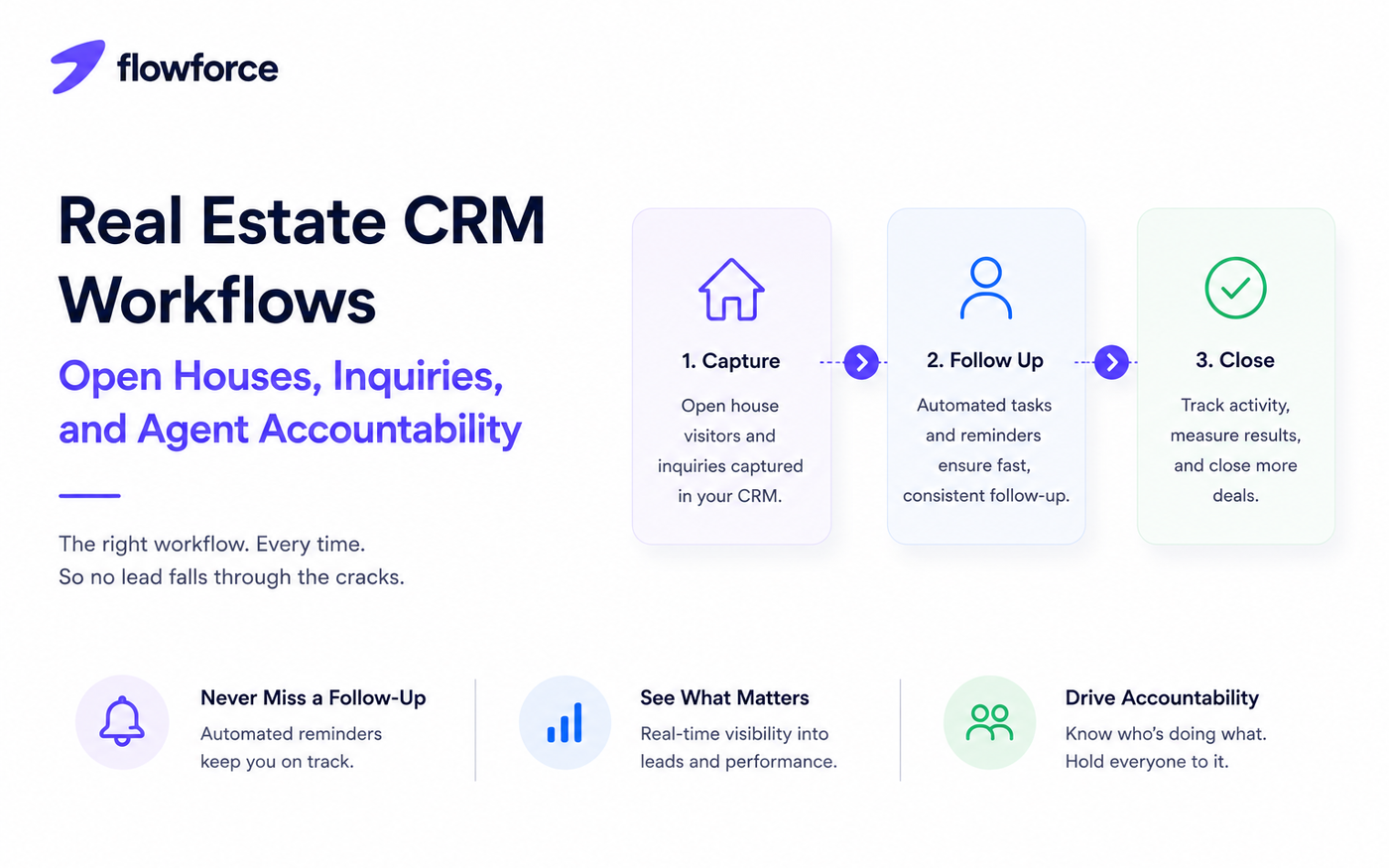
A CRM is only as effective as the workflows behind it. Many real estate businesses invest in software but still struggle with missed follow-ups, duplicate work, and leads that quietly disappear.
The difference is not the tool — it is the process. Well-designed real estate CRM workflows ensure every inquiry gets timely attention, every open house lead is tracked, and every agent knows what happens next.
In this guide, we walk through practical workflows for open houses, online inquiries, buyer and seller journeys, and team accountability.
New to agent vs team CRM fit? Start with real estate CRM for agents vs teams.
Why Workflows Matter in Real Estate
Every day, agents manage:
- Property inquiries
- Open house visitors
- Website and portal leads
- Referral opportunities
- Repeat and past clients
Without standardized workflows, important opportunities slip through the cracks. Your CRM should make the next step obvious after every interaction.
Workflow 1: Open House Leads
Open houses generate valuable conversations — but only when follow-up is consistent. Open house lead management should not depend on handwritten notes in a drawer.
Recommended workflow
- Visitor checks in (digital form or sign-in app)
- Lead enters the CRM automatically
- Agent assigns lead status and source
- Follow-up task created with a due date
- Thank-you email sent same day
- Call scheduled within 24 hours
- Lead added to nurture campaign if not ready to buy
This real estate follow-up workflow keeps every visitor moving through the pipeline instead of fading after the weekend.
Workflow 2: Website and Online Inquiries
Speed matters. Online leads go cold fast. A strong inquiry workflow:
- New inquiry received on site or portal
- CRM creates or updates the contact record
- Lead assigned to the right agent by rules
- Agent notified instantly (email, SMS, or in-app)
- First contact attempted within minutes, not hours
- Outcome recorded with a call disposition
- Next follow-up scheduled before the rep moves on
Quick responses increase the likelihood of meaningful conversations — especially on buyer inquiries competing with other agents.
Workflow 3: Buyer Journey
Buyers move through predictable stages. Map each stage to a CRM action so reporting and forecasting stay accurate.
| Stage | CRM action |
|---|---|
| New lead | Create contact; tag source |
| Qualified | Capture buyer needs and timeline |
| Property tours | Schedule showing tasks |
| Offer submitted | Update pipeline stage |
| Under contract | Notify team; assign checklist |
| Closed | Move to past-client workflow |
Workflow 4: Seller Journey
Selling a property requires a different real estate sales process. Typical stages and CRM actions:
- Listing inquiry — create lead; assign listing specialist
- Property valuation — schedule appointment task
- Listing presentation — log outcome; attach notes
- Agreement signed — open listing pipeline stage
- Marketing launched — track launch date and assets
- Offers received — log offers on the deal record
- Closing completed — trigger post-close follow-up
Each stage should automatically create the next task so nothing waits on memory.
Workflow 5: Agent Accountability
One of the biggest advantages of a team CRM is visibility. Managers should be able to answer:
- Which leads have not been contacted?
- Which agents respond fastest?
- Which opportunities have stalled?
- Which follow-ups are overdue?
- Who has the highest conversion rate by source?
Dashboards and activity tracking surface bottlenecks before they affect revenue — especially across ISA and agent handoffs.
Team leaders comparing platforms should read best CRM for real estate teams alongside this workflow guide.
Automations That Save Time
Real estate teams can automate repetitive steps without losing the personal touch on calls and showings:
- Lead assignment by zip, price band, or round-robin
- Welcome emails after inquiry or open house sign-in
- Showing reminders for agents and clients
- Follow-up tasks after voicemails or no-answers
- Pipeline stage updates when outcomes change
- Calendar events for valuations and closings
- Notification alerts when SLAs are missed
Real estate automation improves consistency while agents spend more time with clients.
Common Workflow Mistakes
- Waiting too long to respond to inquiries
- Leaving follow-ups unassigned with no owner
- Using different processes across agents
- Not tracking lead sources in the CRM
- Missing post-closing communication with past clients
Standardized workflows reduce errors and improve customer experience — for buyers, sellers, and referral partners.
Solo agents can benchmark tools in our best CRM for real estate agents list.
Before buying, run through the small business CRM checklist and customer management software vs CRM comparison.
Building a Workflow That Scales
As your business grows, your CRM should support:
- More agents and ISAs
- Higher lead volume from paid and organic channels
- More active listings
- More simultaneous transactions
- Richer reporting for brokers and team leads
A scalable workflow keeps operations organized without adding unnecessary complexity — document once, then automate the repeatable steps.
How Flowforce Helps Real Estate Teams Stay Organized
Flowforce helps real estate professionals build repeatable workflows that keep every lead moving from first touch to close.
With Flowforce, you can:
- Capture inquiries and open house leads in one workspace
- Assign leads automatically by your routing rules
- Track every call, email, SMS, and note on the timeline
- Schedule follow-ups and cadence steps
- Monitor agent activity for accountability
- View pipeline progress by buyer, seller, and listing
- Improve team visibility without spreadsheet side systems
Instead of memory or disconnected tools, your team follows a consistent real estate CRM workflow from inquiry to closing.
Frequently Asked Questions
What is a real estate CRM workflow?
A real estate CRM workflow is a series of automated and manual steps that guide leads, clients, and transactions through your sales process — with clear owners and next actions at each stage.
Why are workflows important?
They improve consistency, reduce missed follow-ups, and help agents respond faster to opportunities — especially when multiple people touch the same lead.
Should open house leads have a separate workflow?
Yes. Open house visitors often need different follow-up timing and nurturing than online inquiries or referrals. Tag the source and use a dedicated cadence.
Can CRM automation improve agent accountability?
Yes. Activity tracking, task assignments, SLA alerts, and reporting make it easier to monitor performance and ensure every lead receives attention.
Every Lead Deserves a Clear Next Step
The most successful real estate teams do not rely on memory — they rely on repeatable workflows.
Discover how Flowforce helps agents capture leads, automate follow-ups, and stay accountable from the first inquiry to the final closing.