Not every real estate CRM is built for the same type of business. An independent agent has very different needs from a growing team or brokerage.
Solo agents often focus on lead management and client follow-ups. Teams need collaboration, lead routing, reporting, and accountability across multiple users.
Choosing a CRM designed for your business structure improves productivity, strengthens client relationships, and helps you close more deals.
In this guide, we compare what individual agents and real estate teams need so you can choose software that supports your growth — not fight it.
Ready to compare vendors? Jump to our ranked lists for real estate agents and real estate teams.
Why One CRM Doesn't Fit Every Real Estate Business
A CRM should match the way you work.
For solo agents, simplicity and mobility are often the top priorities. For teams, visibility, collaboration, and automation become increasingly important.
Understanding these differences helps prevent investing in software that either lacks essential features or adds unnecessary complexity.
What Solo Real Estate Agents Need
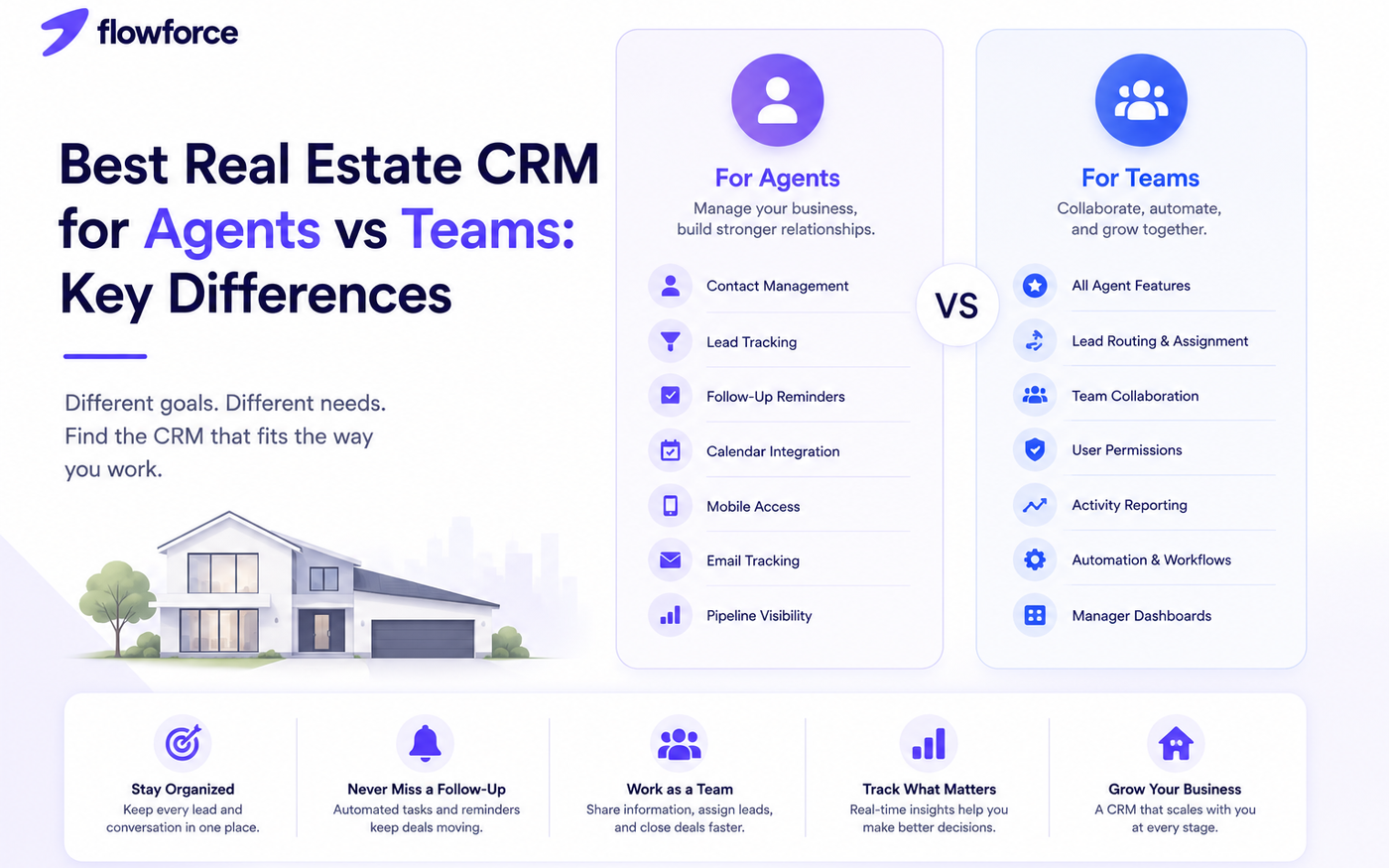
Most independent agents benefit from a realtor CRM that focuses on:
- Contact management
- Lead tracking
- Follow-up reminders
- Property notes
- Calendar integration
- Mobile access
- Email tracking
- Pipeline visibility
The primary goal is staying organized while managing relationships with buyers, sellers, and prospects — without a heavy admin burden.
See our full best CRM for real estate agents comparison for 2026.
What Real Estate Teams Need
As teams grow, coordination becomes just as important as customer management. Team-focused real estate sales software should include:
- Lead assignment and routing
- Shared contact ownership
- Team activity tracking
- Sales pipelines by agent and stage
- Task assignment
- Reporting dashboards
- User permissions
- Performance monitoring
- Workflow automation
These features help managers maintain consistency while ensuring no lead is overlooked.
For brokerage-ready picks, read best CRM for real estate teams.
Feature Comparison
Use this table to see where solo-agent and team CRM requirements diverge:
| Feature | Solo agent | Real estate team |
|---|---|---|
| Contact management | Yes | Yes |
| Lead tracking | Yes | Yes |
| Mobile CRM | Yes | Yes |
| Sales pipeline | Yes | Yes |
| Lead routing | — | Yes |
| Team collaboration | — | Yes |
| User permissions | — | Yes |
| Activity reporting | Basic | Advanced |
| Automation | Basic | Advanced |
| Manager dashboards | — | Yes |
Signs You've Outgrown a Solo CRM
You may need a team-focused CRM for real estate brokerages if:
- Multiple people contact the same client without shared context
- Leads are assigned manually in a spreadsheet or group chat
- Follow-ups are inconsistent across agents
- Managers cannot monitor activity without asking reps
- Reporting is difficult or delayed
- Opportunities fall through the cracks between handoffs
These challenges often indicate it is time to move beyond CRM software built only for individual use.
Questions to Ask Before Choosing a CRM
Before selecting a platform, consider:
- How many agents will use it today — and in 12 months?
- How are leads assigned and reassigned?
- Do managers need visibility into daily activity?
- Will agents share contacts on transactions?
- Is automation important for follow-up and routing?
- Do agents need strong mobile access in the field?
- How quickly do you expect to grow?
Your answers determine whether an agent-focused CRM or a team-focused platform is the better fit.
Not sure how CRM differs from lighter contact tools? Read customer management software vs CRM.
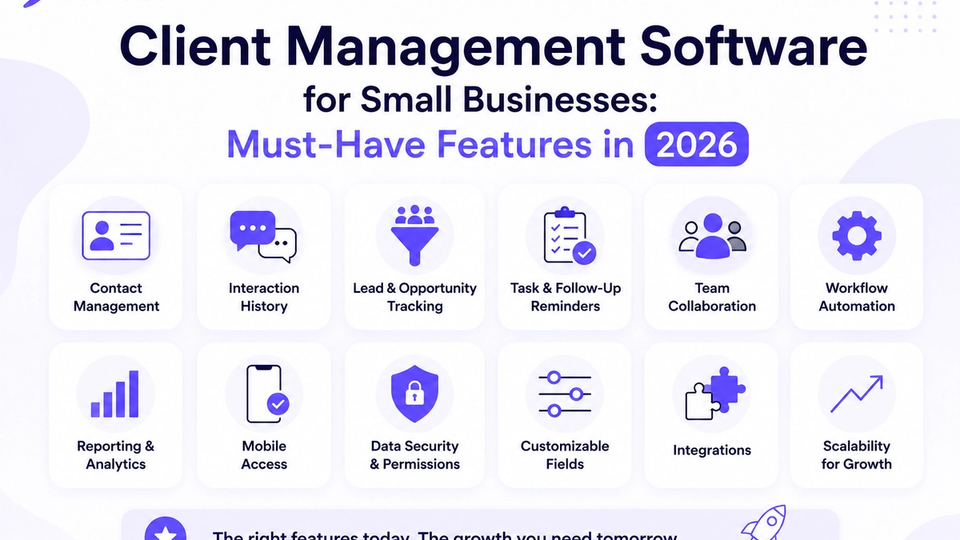
Use our small business CRM checklist before you sign a contract.
Common Mistakes Real Estate Businesses Make
- Buying enterprise software for a three-person team
- Choosing a CRM with limited automation or cadences
- Ignoring mobile usability for agents in the field
- Failing to standardize follow-ups across the team
- Not planning for growth beyond solo-agent workflows
- Prioritizing feature count over daily ease of use
The best CRM is one your team uses consistently — not the one with the longest feature list.
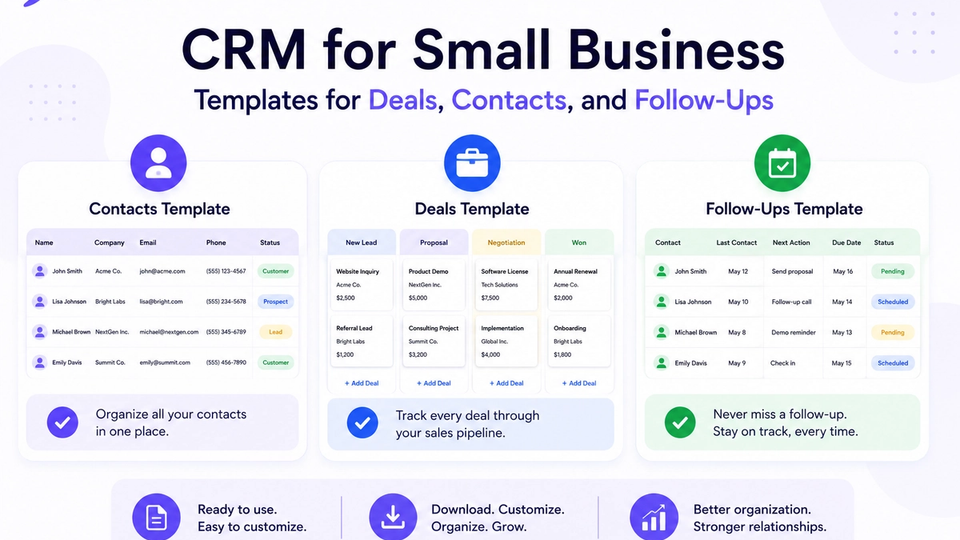
Align pipeline stages early with CRM templates for deals, contacts, and follow-ups.
How Flowforce Supports Both Agents and Teams
Flowforce is designed to grow alongside your real estate business — from independent agent to multi-agent team.
Whether you are solo or managing a brokerage pod, Flowforce helps you:
- Organize contacts and property leads on one timeline
- Track opportunities from inquiry to closing
- Assign and manage follow-up tasks
- Monitor sales pipelines with manager-friendly views
- Automate repetitive workflows and cadences
- Improve team visibility and accountability as you scale
As your business expands, you can add collaboration and routing without switching to a more complex platform than you need.
Frequently Asked Questions
What's the difference between a CRM for agents and a CRM for teams?
A CRM for agents focuses on personal productivity — contacts, follow-ups, and pipeline for one book of business. A CRM for teams adds collaboration, lead routing, reporting, user permissions, and management tools.
Can a solo agent use a team CRM?
Yes. Many solo agents use team-capable platforms early to avoid a painful migration later. If you do not need collaboration features yet, an agent-focused CRM may feel simpler day to day.
When should I upgrade to a team CRM?
When multiple agents share leads, collaborate on transactions, or require management oversight, a team CRM usually becomes the better choice.
What features matter most for real estate teams?
Lead distribution, shared pipelines, reporting, automation, task management, and activity tracking are among the most valuable capabilities for brokerages and ISA teams.
Find the Right CRM for Your Real Estate Business
Whether you are closing deals on your own or leading a growing team, the right CRM should simplify your workflow — not complicate it.
Discover how Flowforce helps real estate professionals manage leads, automate follow-ups, and build stronger client relationships at every stage of growth.