Every customer interaction tells part of a story.
A phone call. An email. A meeting. A support request. A proposal.
Individually, these interactions may seem small. Together, they provide the context your sales team needs to build stronger relationships and move deals forward.
Without a complete activity timeline, valuable information gets lost, follow-ups become inconsistent, and customers often have to repeat themselves.
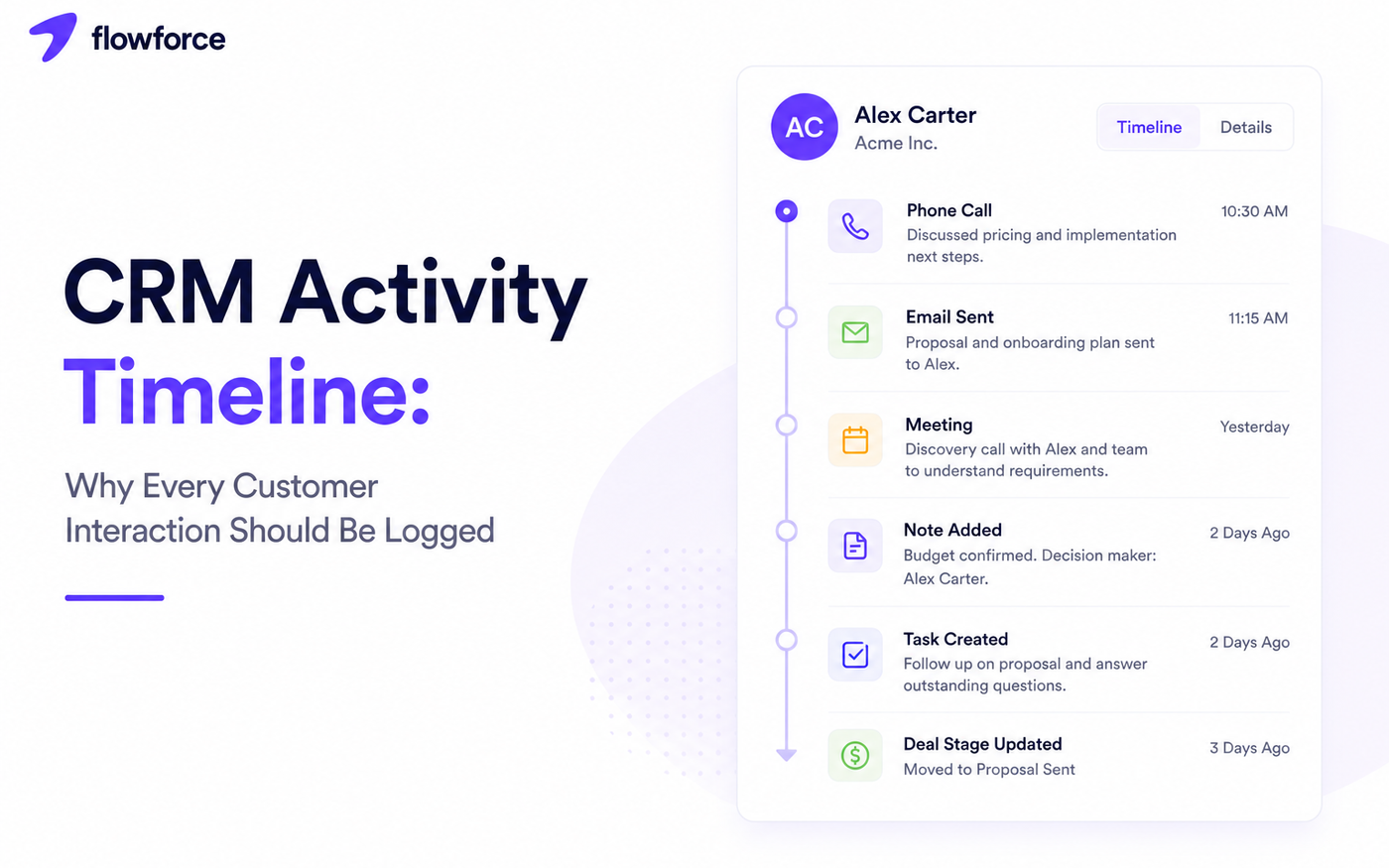
A CRM activity timeline solves this by creating one chronological record of every interaction, giving everyone on your team the same view of the customer journey.
Your CRM is not just a database — it is your team's shared memory. When that memory is complete, routing, pipeline stages, and follow-ups all work better.
This guide completes the workflow cluster alongside CRM pipeline stages, lead routing rules, and call outcomes.
What Is a CRM Activity Timeline?
A CRM activity timeline is a chronological history of every interaction between your business and a customer.
Instead of searching through emails, spreadsheets, or personal notes, every activity appears in one place — newest at the top or bottom, depending on your CRM, but always in order.
Typical timeline entries include:
- Phone calls
- Emails
- Meetings
- Notes
- Tasks
- Follow-ups
- Quotes and proposals
- Pipeline changes
- File uploads
- Status updates
Think of it as a living history of the customer relationship — not a static profile field.
Why Activity Timelines Matter
Customers do not interact with one person — they interact with your business.
An activity timeline ensures every team member has the same context before reaching out.
This helps teams:
- Continue conversations naturally without awkward re-introductions
- Avoid asking duplicate questions the customer already answered
- Respond more quickly because context is immediate
- Improve collaboration when deals change owners
- Deliver a more consistent customer experience across channels
The result is a smoother experience for both your team and your customers.
What Should Be Logged?
Not every action deserves a timeline entry, but every meaningful customer interaction should. If it would change how the next rep approaches the conversation, log it.
Communication
- Calls
- Emails
- SMS messages
- Video meetings
Sales activities
- Discovery calls
- Demos
- Proposals
- Negotiations
- Deal stage changes
Stage changes should reflect evidence, not optimism — see CRM pipeline stages explained for exit criteria.
Customer success
- Onboarding sessions
- Training
- Support conversations
- Renewal discussions
Internal notes
Private notes provide valuable context without being visible to customers. Examples: buying preferences, decision makers, budget discussions, and the next recommended action.
| Activity type | Log when | Skip when |
|---|---|---|
| Call | Conversation happened or voicemail left | Misdial with no message |
| Sent to or received from customer | Internal-only forwards | |
| Meeting | Held or scheduled with customer | Internal prep with no customer |
| Note | Context changes next steps | Obvious restatement of prior entry |
| Stage change | Exit criteria met | Rep optimism without evidence |
Benefits of a Complete Timeline
Better collaboration
Anyone can step into a conversation without asking a colleague for updates. Coverage during PTO, handoffs after routing changes, and manager ride-alongs all get easier.
Faster follow-ups
Sales representatives immediately know what happened last, who spoke with the customer, and what should happen next.
Pair timelines with follow-up automation in your CRM so the next task is created when activities land.
Improved customer experience
Customers appreciate not having to repeat the same information every time they interact with your business.
More accurate reporting
Managers can understand activity levels, identify bottlenecks, and coach teams using real interaction history instead of assumptions or self-reported updates.
Common Timeline Mistakes
Logging too little
If important conversations never make it into the CRM, valuable context disappears when reps leave, deals reassign, or managers review pipeline health.
Logging everything
Not every internal discussion needs to be recorded. Focus on meaningful customer interactions and decisions that affect the next step.
Inconsistent notes
Encourage your team to follow a consistent format. Good notes should answer:
- What happened?
- What was decided?
- What happens next?
Waiting until the end of the day
Details are easiest to capture immediately after the interaction. Encourage real-time logging whenever possible — especially after calls.
Structured call outcomes reduce note-taking friction after every dial.
Timeline Best Practices
Build habits that keep timelines useful:
- Log activities immediately after customer touchpoints
- Keep notes concise — three sentences often enough
- Record clear next steps with owners and due dates
- Link activities to the correct contact and deal
- Use standardized activity types across the team
- Avoid duplicate entries from manual logging plus automation
Consistency is more valuable than volume.
Activity Timelines and Automation
Modern CRMs can automatically record many activities. Examples include:
- Logged phone calls from integrated dialers
- Sent and synced emails
- Completed tasks
- Meeting invitations and held events
- Deal stage updates when exit criteria are met
- Workflow automation events from routing or cadences
Automation reduces manual work while keeping customer records complete — but only when your team trusts what appears on the timeline.
Assignment rules should land activities on the right owner from day one — see lead routing rules.
Why Activity Timelines Improve Sales Performance
High-performing sales teams rely on context.
Instead of guessing what happened during the last conversation, they already know:
- Previous objections
- Customer priorities
- Open tasks
- Decision makers
- Upcoming meetings
- Recent communications across email, phone, and SMS
That context leads to more productive conversations and stronger customer relationships — especially for inside sales teams running high call volume.
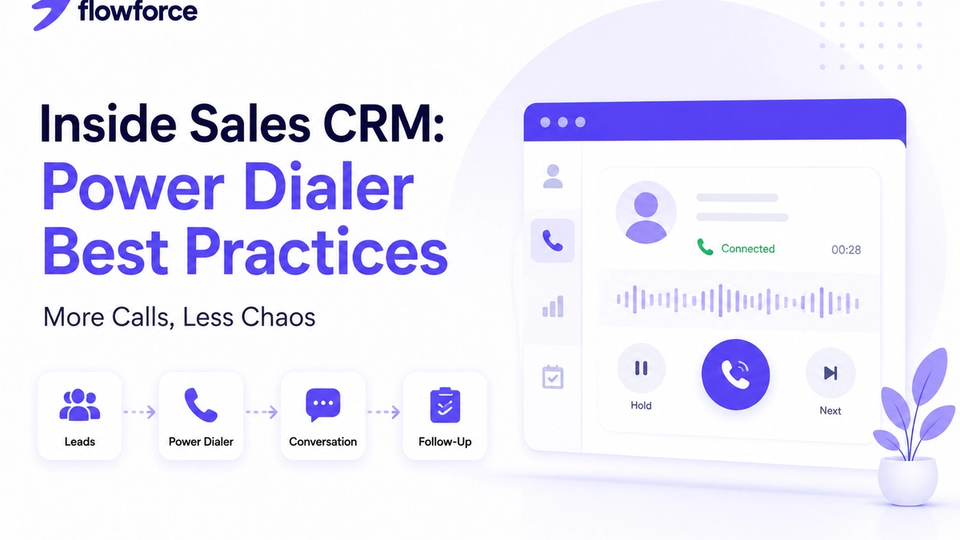
High-volume teams should read power dialer best practices for inside sales alongside this timeline guide.
Lead routed → owner assigned
    ↓
Call logged with outcome
    ↓
Timeline updated automatically
    ↓
Follow-up task created
    ↓
Stage advances when criteria met
    ↓
Next rep has full context
How Flowforce Keeps Every Interaction Organized
Flowforce gives every contact a complete activity timeline so your entire team stays aligned.
With Flowforce, you can:
- Log calls, emails, SMS, and meetings on one record
- Track follow-up tasks tied to timeline events
- View pipeline changes alongside conversations
- Record private and shared notes
- Monitor customer history before every outreach
- Keep every interaction connected to the right contact and opportunity
Instead of scattered information across multiple tools, your team always has one complete view of the customer relationship.
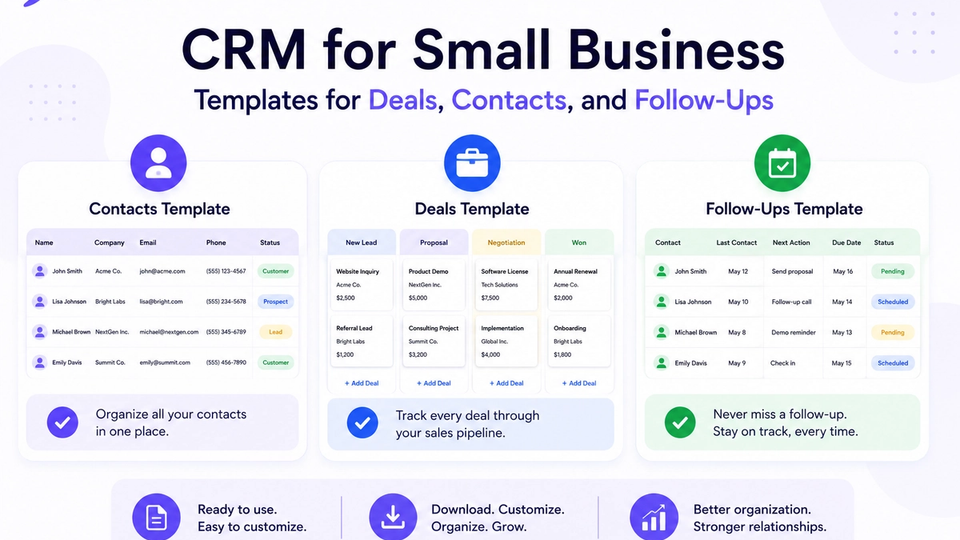
Standardize fields and stages with CRM templates for deals, contacts, and follow-ups and explore Flowforce documentation for activity logging setup.
Frequently Asked Questions
What is a CRM activity timeline?
A CRM activity timeline is a chronological record of customer interactions, including calls, emails, meetings, notes, tasks, and sales activities.
Why should every customer interaction be logged?
Logging interactions helps teams maintain context, improve collaboration, and deliver a more consistent customer experience.
What activities belong in a CRM timeline?
Meaningful customer interactions such as calls, emails, meetings, proposals, follow-up tasks, and important notes should all be recorded.
Can CRM automation update activity timelines?
Yes. Many modern CRMs automatically log activities such as emails, completed tasks, and workflow events, reducing manual data entry.
Every Conversation Matters
Great customer relationships are built one interaction at a time.
See how Flowforce helps your team capture every conversation, track every follow-up, and keep complete customer histories in one organized timeline.