Many outbound sales teams do not start with an all-in-one CRM. They assemble a stack: prospecting, email sequences, dialer, CRM, scheduling, and reporting — each in a different tab.
At first, that works. As the team grows, switching between disconnected tools creates duplicate work, inconsistent data, and missed follow-ups.
The question is not whether Apollo is a good platform. It is whether your business has reached the point where consolidating your outbound workflow into a modern CRM makes more sense.
What Apollo Does Well
Apollo is widely used for outbound prospecting and sales engagement. Teams rely on it to:
- Discover prospects and build lead lists
- Find contact information and enrich records
- Create outreach sequences
- Track email engagement
For businesses focused on top-of-funnel outbound, those capabilities can significantly improve lead generation.
What an All-in-One CRM Does
An all-in-one CRM goes beyond prospecting. It manages the customer lifecycle from first touch through closed deals and ongoing relationships.
Typical capabilities include:
- Contact and lead management
- Sales pipelines
- Activity history on one timeline
- Phone calls and call outcomes
- Tasks and follow-ups
- Team collaboration
- Reporting
- Workflow automation
The CRM becomes the system of record for your sales organization.
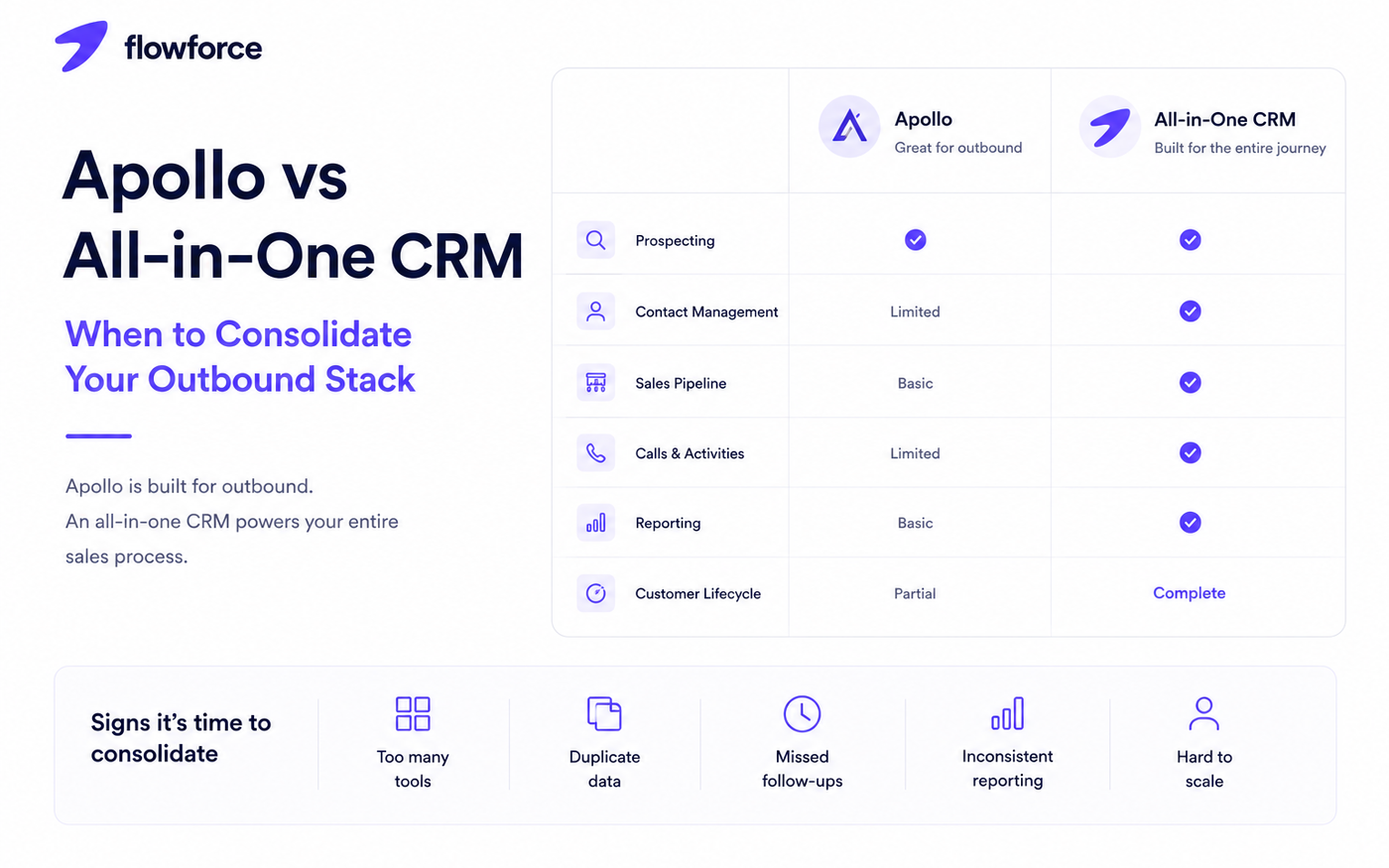
Apollo vs All-in-One CRM
Scope is the main difference in an Apollo CRM comparison:
| Feature | Apollo | All-in-one CRM |
|---|---|---|
| Prospect database | Yes | Sometimes (or via integration) |
| Email sequences | Yes | Yes |
| Contact management | Limited | Yes |
| Sales pipeline | Basic | Yes |
| Team collaboration | Limited | Yes |
| Workflow automation | Limited | Yes |
| Reporting | Basic | Advanced |
| Customer lifecycle | Partial | Complete |
Signs It's Time to Consolidate
You may be ready to simplify your outbound sales stack if:
- Reps constantly switch between apps to complete one follow-up
- Customer information is duplicated across tools
- Follow-ups are missed because tasks live outside the CRM
- Managers struggle to report accurately
- Different tools show different pipeline or activity numbers
- New hires take too long to onboard on five systems
- Your tech stack keeps growing without a clear owner
Each additional tool is another place where information can disconnect.
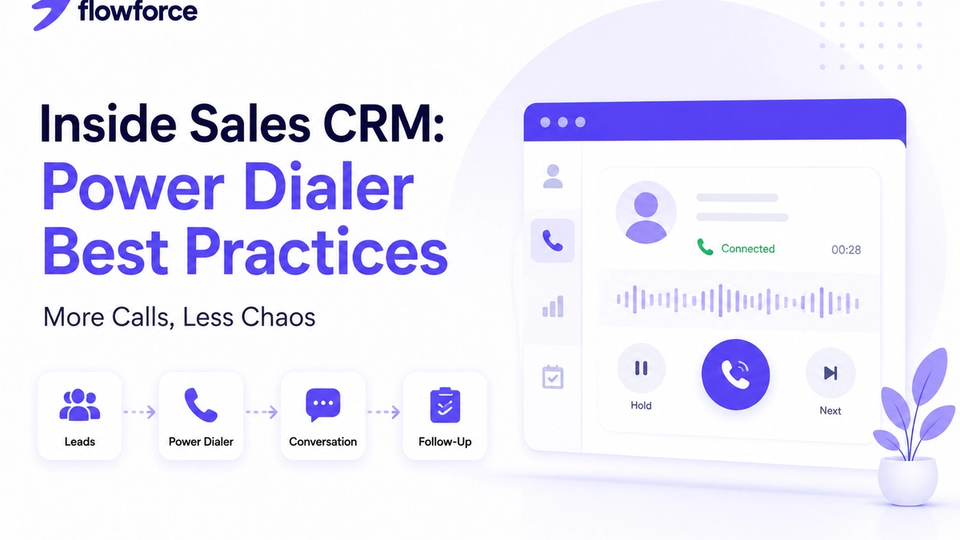
If calling volume is part of the friction, review power dialer best practices for inside sales.
Benefits of Consolidating Your Sales Stack
Work faster
Less tab switching. Less copying numbers and notes between systems. More time in live conversations.
Improve data quality
Everyone works from the same customer record. No conflicting contact details or lost call notes.
Simplify reporting
Pipeline, activity history, and performance metrics come from one platform — not a spreadsheet export from three tools.
Better team collaboration
Sales, marketing, and leadership share the same context on every lead and deal.
Easier onboarding
New hires learn one system instead of five. Pair consolidation with a structured inside sales onboarding playbook on day one.
When Apollo Still Makes Sense
Not every company needs to consolidate immediately. Apollo may remain a strong fit if:
- Your team focuses primarily on outbound prospecting
- Workflows are relatively simple
- Your existing CRM already meets operational needs
- Integrations between Apollo and your CRM are reliable
The right approach depends on team size, complexity, and growth stage — not a blanket Apollo alternative narrative.
What to Look for Before Consolidating
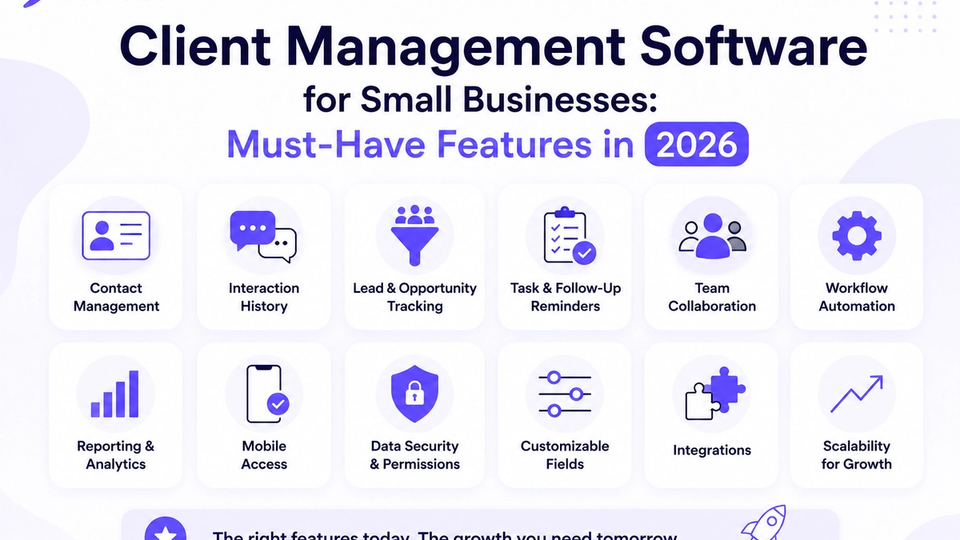
When evaluating an all-in-one CRM for outbound sales, confirm it provides:
- Contact and lead management
- Lead tracking and source attribution
- Sales pipelines with clear stages
- Activity timelines (calls, email, SMS)
- Call logging and outcomes
- Task management
- Workflow automation and cadences
- Reporting dashboards
- Team collaboration
- Integrations where you still need specialized tools
The goal is not to replace tools unnecessarily — it is to reduce friction where it hurts productivity most.
Standardize outcomes before you migrate — see call outcomes in your CRM.
Score finalists with the small business CRM checklist and customer management software vs CRM guide.
How Flowforce Helps Teams Simplify Their Workflow
Flowforce brings together core capabilities outbound teams use daily — without forcing you to stitch five apps into one brittle workflow.
Instead of jumping between applications, teams can:
- Manage contacts and leads on one timeline
- Track opportunities through the pipeline
- Log calls, outcomes, and activities automatically
- Automate follow-ups with cadences and tasks
- Monitor pipeline progress with manager visibility
- Collaborate in one workspace as the team grows
Flowforce can remain your system of record while Apollo or other prospecting tools play a focused role — until consolidation clearly wins on speed and data quality.
Frequently Asked Questions
Is Apollo a CRM?
Apollo includes CRM-related features, but it is primarily known for outbound prospecting, lead discovery, and sales engagement — not full lifecycle management.
Should I replace Apollo with a CRM?
Not necessarily. Many businesses use Apollo alongside a CRM. Consolidate when multiple tools slow reps down or fragment customer data.
What are the benefits of an all-in-one CRM?
Centralized contacts, pipelines, activities, reporting, and collaboration — with less tab switching and fewer sync failures.
When should a company consolidate its sales stack?
Often when the team grows, reporting becomes painful, onboarding takes weeks, or maintaining integrations costs more than adopting one primary platform.
Spend Less Time Managing Tools — More Time Selling
Your sales stack should help your team move faster, not create extra admin work.
See how Flowforce brings contacts, pipelines, activities, and follow-ups together in one modern CRM built for growing outbound teams.